
TestFlight Installation
The Beta testing works through an invitation from TestFlight. Once added to the testing group by our team, you will receive an email invitation. Then, you can add the Beta testing application to the TestFlight App on your iOS device.
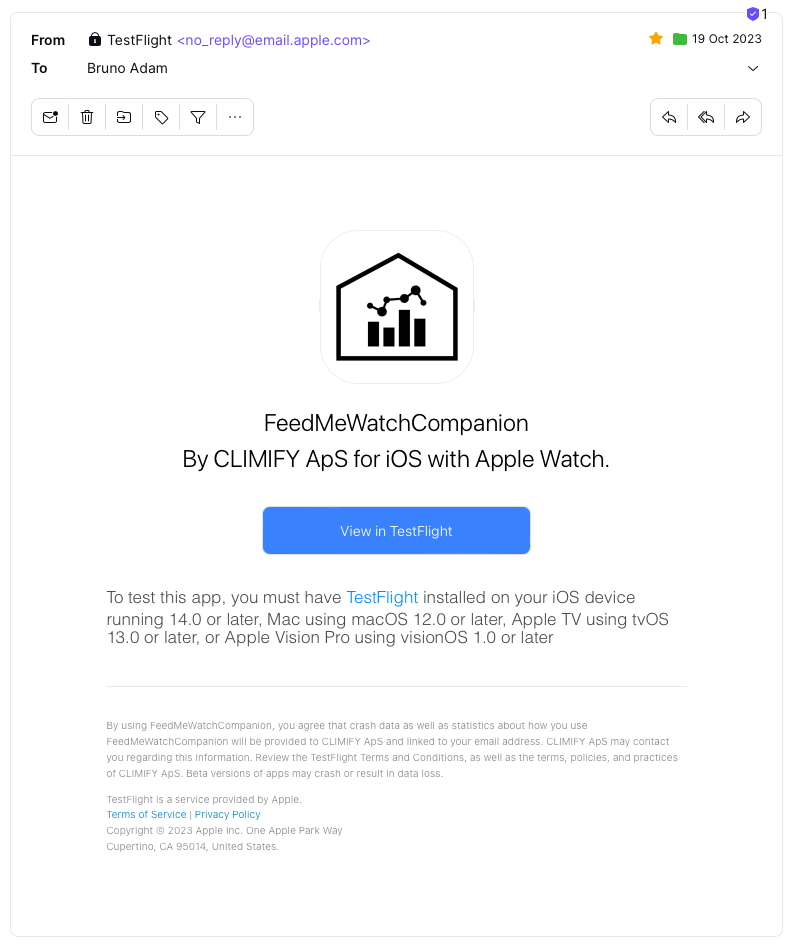
Email for the invitation to beta test the Apple Watch application.
After adding it on TestFlight, you are allowed to add the app on your iPhone.
- Install the app;
- Click on the app icon;
- Enable the app on the Apple Watch.
Note that on TestFlight, there is a description of what should be tested for each version/build. We recommend you also enable the automatic update. If you want to give feedback or if you notice a bug, please send beta feedback. The option on TestFlight is used to gather the feedback and crashes.
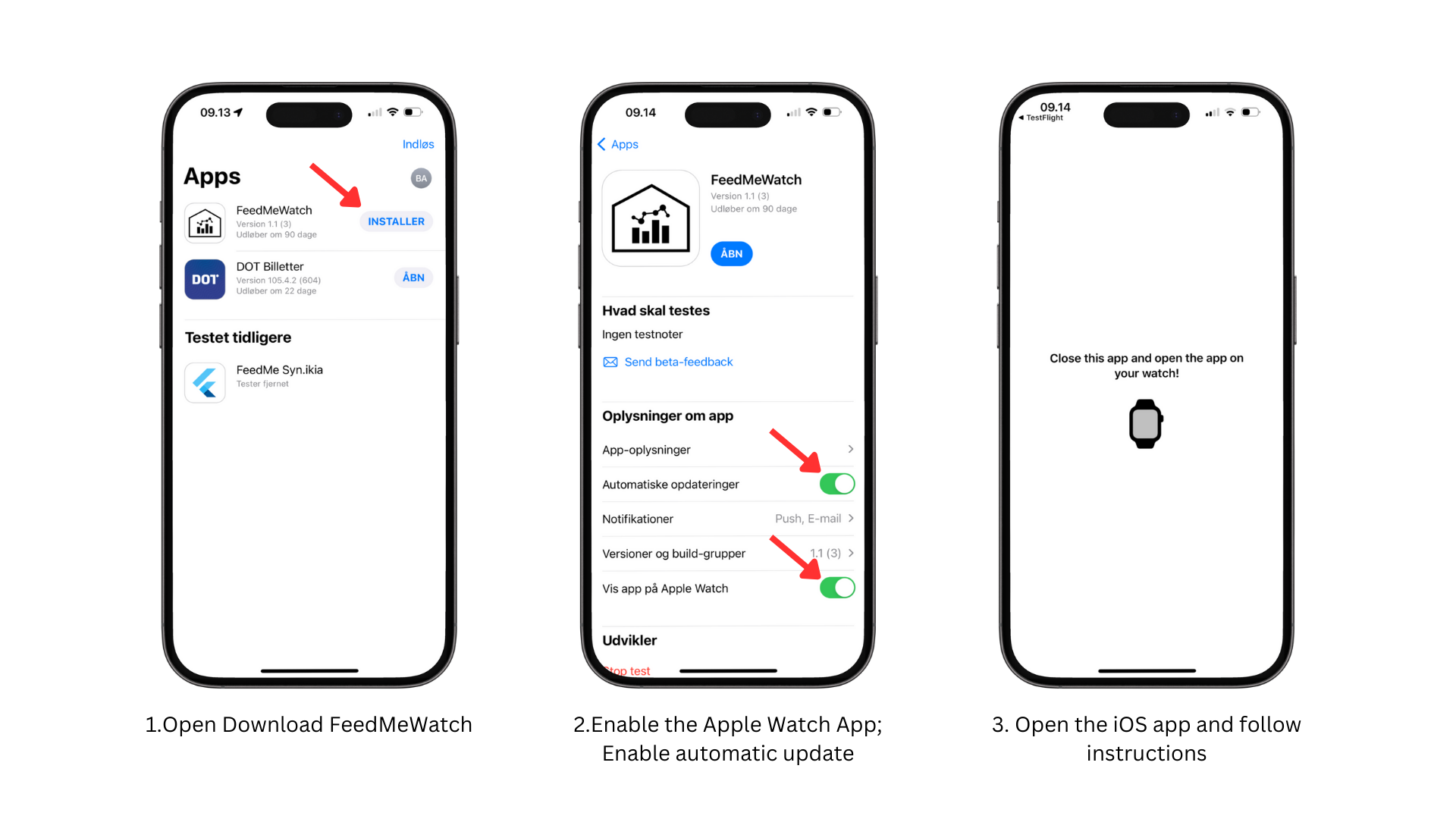
TestFlight Installation.